Personalisation
Personalised Recommendations Agent
Show every customer recommendations that actually fit — drawn live from their history and your catalogue. No generic “you might also like”. It reasons over real data and can even explain why.
- Live in days
- Your data stays yours
- Answers in seconds
The problem
Generic recommendations don't convert
“You might also like” blocks ignore where the customer actually is in their journey. They're rule-based guesses — and customers can tell. The result is decision fatigue and lost revenue on every session.
A real recommendation engine usually means an ML pipeline, training data, and a dedicated team. Most businesses can't justify that just to suggest the next product.
The fix
Recommendations that actually fit
A Recommendations Agent reasons over your live customer history and catalogue through MCP. It suggests genuinely relevant next steps — and can explain why, which builds trust and clicks.
No model training, no ML infrastructure. Configure it once, call it from your app or email, and your customer data stays in your environment.
Out of the box
Real questions, real answers. Tuned to each customer.
The agent reasons over live history and your catalogue — so suggestions feel personal instead of templated.
“What should I buy next?”
Suggests a genuinely relevant next pick from your catalogue.
“Got anything like this?”
Finds close matches based on the item they're viewing.
“What goes with my last order?”
Recommends complementary items that actually fit.
“I'm new here — where do I start?”
Guides first-timers with context-aware suggestions.
“Show me something in my size.”
Filters recommendations by their saved preferences.
“Why are you suggesting this?”
Explains the reasoning to build trust and clicks.
How it works
Four steps in the dashboard. The last one is a POST.
Create the agent
Add an agent, choose a model — GPT-4o, Claude, Gemini — and write a short system prompt that says what its job is. Five fields, no code.
Name
Provider
Model
Temperature
System Prompt
Connect your Insights API
On the agent's MCP tab, register your Insights API as an MCP server. SentientOne discovers the get_recommendations tool on its own, and your credentials never leave your environment.
Name
Transport
URL
Auth Type
Test it in the Playground
Ask the questions your users actually ask. The agent calls your API, reads the live response and answers in plain language. Adjust the prompt until it reads the way you want.
Go live with one request
Copy your API key and POST from your app. There is no SDK to install — anything that can make an HTTP request is already supported.
Platform API key
API endpoint
POST /v1/chat
X-Api-Key: sk-live-•••
X-Agent-Id: personalised-recommendations-agent

{ "message": "What should I buy next?" }
Why SentientOne
Why teams ship this with us. Instead of building it.
Ship it without an AI team
No ML hires, no prompt infrastructure, no model plumbing. You configure the agent in the dashboard — and we'll set up the MCP server that wraps your Insights API at no extra cost.
Your data stays in your estate
The MCP server runs on your infrastructure. SentientOne receives the tool response and nothing else — not your database, not your credentials, not your records. Self-host the whole platform if that's the requirement.
Works with the stack you have
Any REST or gRPC API connects through MCP. One HTTP endpoint covers React, Flutter, Python, .NET and Go — anything that can make a request. No SDK to adopt.
Change the model, not your code
Run GPT-4o today and Claude tomorrow by changing a dropdown. When your API changes you update one tool definition — no retraining, no redeploy.
“We replaced our rule-based 'you might also like' with an agent that actually reasons over each customer. Revenue per session jumped, and we didn't hire a single ML engineer.”
The outcome
What changes once it’s live.
- 15–30%
- typical lift in revenue per session
- Day one
- works on your existing data — no training
- Private
- your customer data stays in your environment
How long does it take to go live?
Most teams are answering real questions within days. There is no model to train and no AI pipeline to build — you connect your API and configure the agent.
Do we need AI engineers?
No. The agent is configured in the dashboard, and we'll set up the MCP server that wraps your Insights API at no extra cost.
Is our data safe?
The MCP server runs in your environment and returns only the specific tool response. Your database, your credentials and your raw records never reach SentientOne.
What happens with questions it can't answer?
You set the boundaries. Anything outside product recommendations is handed to your team with the whole conversation attached, so nobody starts from scratch.
Which models can we use?
GPT-4o, Claude, Gemini, Llama, Mistral and Groq. Pick one from a dropdown and change it whenever you like — your prompts, tools and integration stay exactly as they are.
How does it reach our users?
One HTTP endpoint. Drop it into the chat widget, app or site you already run — React, Flutter, Python, .NET, Go, anything that makes a request.
Free white papers
Read the longer version.
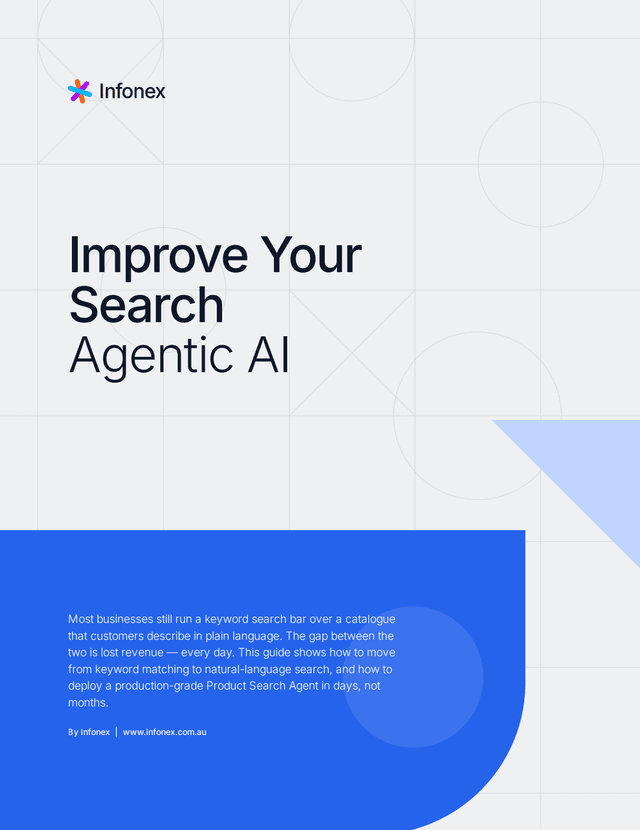
Improve Your Search with Agentic AI
Most businesses still run a keyword search bar over a catalogue that customers describe in plain language. The gap between the two is lost revenue — every day. This guide shows how to move from keyword matching to natural-language search, and how to deploy a production-grade Product Search Agent in days, not months.
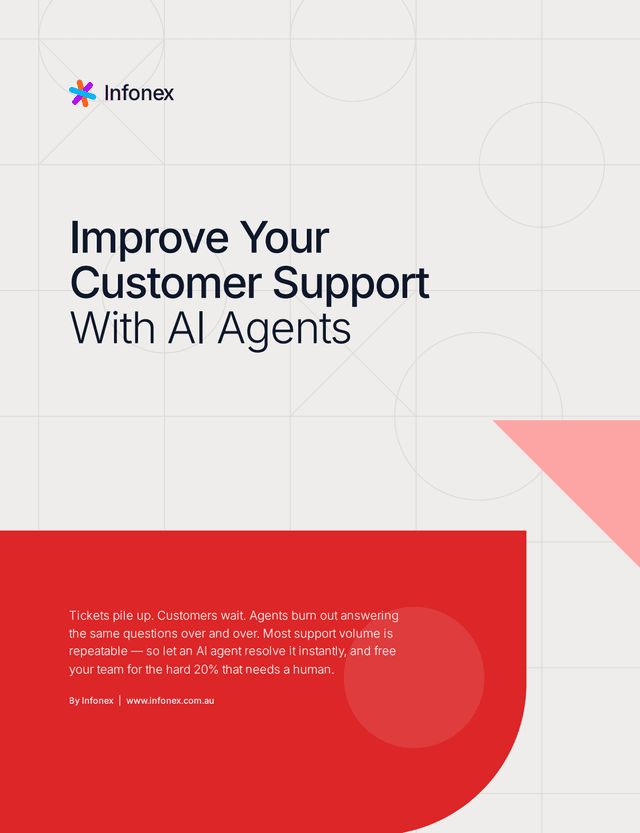
Improve Your Customer Support with AI Agents
Support queues grow faster than headcount, and every minute a customer waits chips away at trust. Most teams paper over the gap with canned macros and after-hours auto-replies that never actually resolve the issue. This guide shows how AI agents handle the repetitive tickets end to end, escalate the ones that need a human with full context, and give your team back the hours they spend on copy-paste answers.
More patterns
Other agents teams start with.
Order Status Agent via MCP
Let customers ask about their orders in plain English.
Business Intelligence Reporting Agent
Turn your database into a conversation.
Customer Support Automation Agent
Handle 70% of tickets before they reach your team.
Product Discovery & Catalogue Agent
Let users search your catalogue by describing what they want.
Get started
Build this one first. We’ll wire up the MCP server.
Bring the API you already run. Start the trial and configure the agent yourself, or walk through it with the team that built the platform.
14 days free · No credit card · Bring your own model keys