Analytics
Business Intelligence Agent
Let anyone on your team ask business questions in plain English — and get live numbers back in seconds. No SQL, no dashboard hunting, no waiting in the analytics queue. It reads straight from your own data and explains what changed.
- Live in days
- Your data stays yours
- Answers in seconds
The problem
Your data is locked behind dashboards
Every answer your team needs is already in your database — but getting it means writing SQL, building a dashboard, or waiting in the analytics team's queue. Routine questions turn into half-day round trips.
So decisions stall, or get made on gut feel. Building a natural-language layer over your data in-house costs hundreds of thousands and months of work most teams will never green-light.
The fix
Ask your numbers in plain English
A BI Reporting Agent connects to your reporting API through MCP. Anyone can ask “how did sales go last week?” and get live figures back — with the trend, not just the number.
Configure it once in SentientOne and drop it into Slack or your portal. No SQL, no dashboard sprawl, and your raw data never leaves your environment.
Out of the box
Real questions, real answers. However your team phrases it.
The agent understands natural language and queries live data — so anyone can get an answer without touching SQL or a dashboard.
“How did sales go last week?”
Returns live revenue with the week-on-week change.
“Which products are trending?”
Ranks movers and flags anything unusual automatically.
“What's our refund rate this month?”
Pulls the live figure and compares it to last month.
“Show me revenue by region.”
Breaks the numbers down without a dashboard or SQL.
“Are we up or down on target?”
Compares actuals to target and explains the gap.
“What changed since yesterday?”
Surfaces the day's notable shifts in plain English.
How it works
Four steps in the dashboard. The last one is a POST.
Create the agent
Add an agent, choose a model — GPT-4o, Claude, Gemini — and write a short system prompt that says what its job is. Five fields, no code.
Name
Provider
Model
Temperature
System Prompt
Connect your Reporting API
On the agent's MCP tab, register your Reporting API as an MCP server. SentientOne discovers the run_report tool on its own, and your credentials never leave your environment.
Name
Transport
URL
Auth Type
Test it in the Playground
Ask the questions your users actually ask. The agent calls your API, reads the live response and answers in plain language. Adjust the prompt until it reads the way you want.
Go live with one request
Copy your API key and POST from your app. There is no SDK to install — anything that can make an HTTP request is already supported.
Platform API key
API endpoint
POST /v1/chat
X-Api-Key: sk-live-•••
X-Agent-Id: business-intelligence-agent

{ "message": "How did sales go last week?" }
Why SentientOne
Why teams ship this with us. Instead of building it.
Ship it without an AI team
No ML hires, no prompt infrastructure, no model plumbing. You configure the agent in the dashboard — and we'll set up the MCP server that wraps your Reporting API at no extra cost.
Your data stays in your estate
The MCP server runs on your infrastructure. SentientOne receives the tool response and nothing else — not your database, not your credentials, not your records. Self-host the whole platform if that's the requirement.
Works with the stack you have
Any REST or gRPC API connects through MCP. One HTTP endpoint covers React, Flutter, Python, .NET and Go — anything that can make a request. No SDK to adopt.
Change the model, not your code
Run GPT-4o today and Claude tomorrow by changing a dropdown. When your API changes you update one tool definition — no retraining, no redeploy.
“Our team used to wait days for a simple sales number. Now they just ask in Slack and get the live figure with the trend. It changed how fast we make decisions.”
The outcome
What changes once it’s live.
- Seconds
- from question to answer — no SQL or dashboards
- Days
- to deploy — no AI engineers required
- Private
- your data stays in your own environment
How long does it take to go live?
Most teams are answering real questions within days. There is no model to train and no AI pipeline to build — you connect your API and configure the agent.
Do we need AI engineers?
No. The agent is configured in the dashboard, and we'll set up the MCP server that wraps your Reporting API at no extra cost.
Is our data safe?
The MCP server runs in your environment and returns only the specific tool response. Your database, your credentials and your raw records never reach SentientOne.
What happens with questions it can't answer?
You set the boundaries. Anything outside reporting is handed to your team with the whole conversation attached, so nobody starts from scratch.
Which models can we use?
GPT-4o, Claude, Gemini, Llama, Mistral and Groq. Pick one from a dropdown and change it whenever you like — your prompts, tools and integration stay exactly as they are.
How does it reach our users?
One HTTP endpoint. Drop it into the chat widget, app or site you already run — React, Flutter, Python, .NET, Go, anything that makes a request.
Free white papers
Read the longer version.

Improve Your Knowledge Base with AI Agents & RAG
Your team's knowledge is scattered across docs, wikis, and tickets — and answers stay locked away until someone goes digging. This guide shows how Retrieval-Augmented Generation turns that knowledge base into an AI agent that answers in plain language, cites its sources, and stays current, so your team finds what they need in seconds instead of hours.
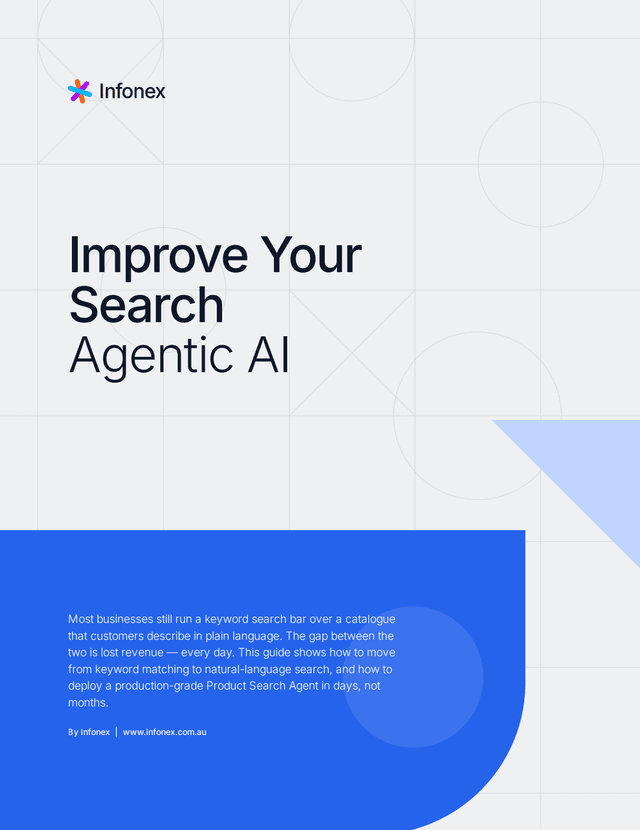
Improve Your Search with Agentic AI
Most businesses still run a keyword search bar over a catalogue that customers describe in plain language. The gap between the two is lost revenue — every day. This guide shows how to move from keyword matching to natural-language search, and how to deploy a production-grade Product Search Agent in days, not months.
More patterns
Other agents teams start with.
Order Status Agent via MCP
Let customers ask about their orders in plain English.
Personalised Recommendations Agent
Send insights in, get smart recommendations out.
Customer Support Automation Agent
Handle 70% of tickets before they reach your team.
Product Discovery & Catalogue Agent
Let users search your catalogue by describing what they want.
Get started
Build this one first. We’ll wire up the MCP server.
Bring the API you already run. Start the trial and configure the agent yourself, or walk through it with the team that built the platform.
14 days free · No credit card · Bring your own model keys